


How to Choose a Business Printer: An Essential Buying Guide for 2026
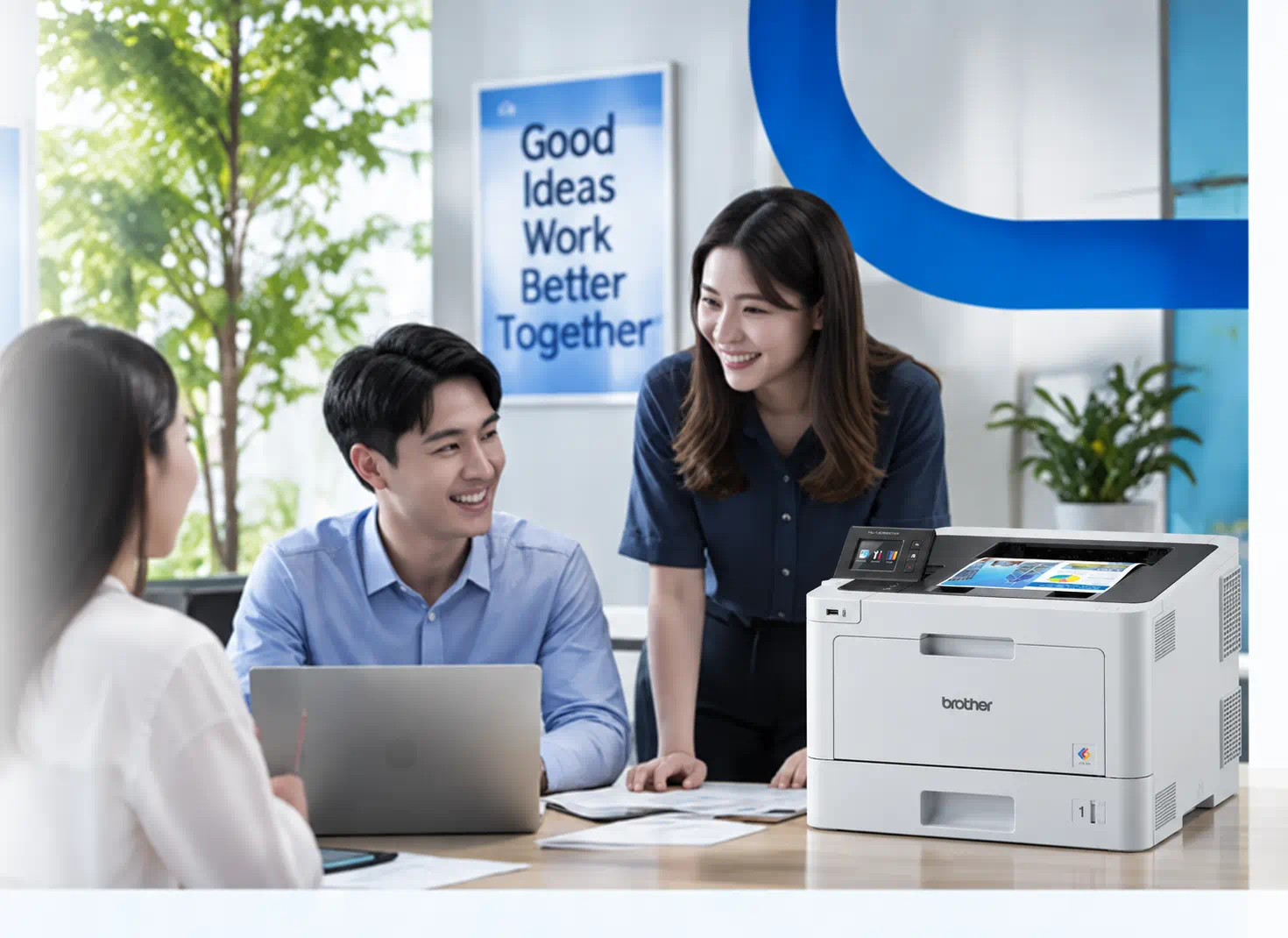
The best business printer is the one that matches how your office actually works. Before comparing individual printers, define the documents you print, whether you need colour or monochrome output, which scanning and copying functions employees use, how users will connect, where the printer will sit and what it will cost to operate over its useful life. Taking this requirements-first approach helps businesses compare printers on practical needs rather than focusing only on purchase price or individual features.
In 60 seconds
What you need to know
Start with your requirements: what you print, whether you need colour, which functions you use, how you’ll connect, where it will sit, and what it will cost over time. This helps you compare printers on what matters, not just the purchase price.
Table of Contents
- What Should You Consider When Buying a Business Printer?
- Which Printer Type Best Matches Your Business Documents?
- Do You Need a Multifunction or Single-Function Printer?
- What Connectivity Options Does Your Business Printer Need?
- What Printer Size is Right for Your Office?
- How to Compare the Total Cost of Ownership
- Frequently Asked Questions
- Related Resources
What Should You Consider When Buying a Business Printer?
The right business printer depends on your printing requirements, the functions employees need, how your team connects, the size of your workplace and the total cost of ownership.
 Printer type
 Functions
 Connectivity
 Office size
 Total cost
01
Printer type
Which printer type best matches your business documents?
The documents your business produces should influence whether you choose an inkjet, colour laser or monochrome laser printer.
Inkjet
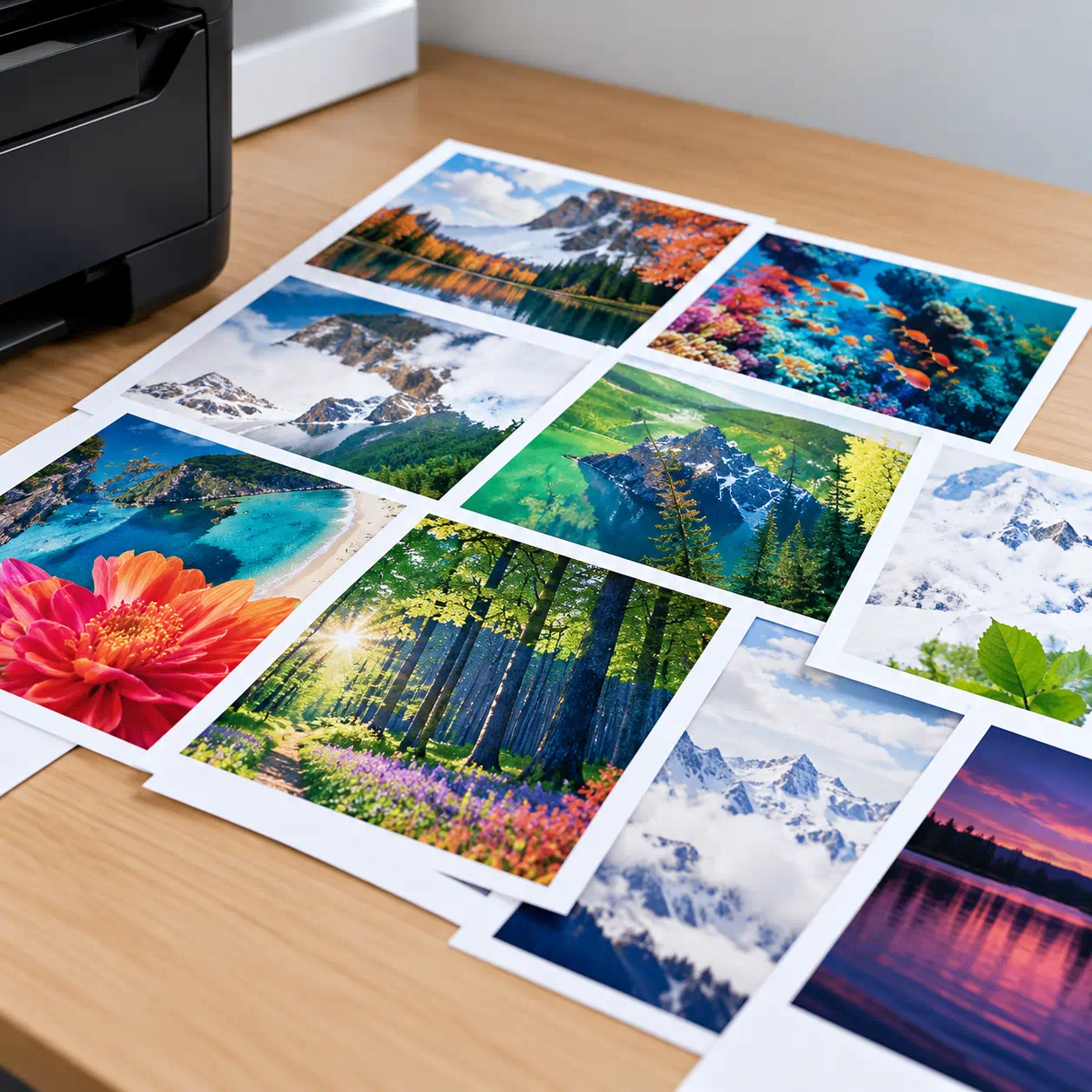
Consider an inkjet printer if your Thailand business regularly prints image-rich documents, colourful presentations, marketing materials or business reports.
For small businesses and home offices, Brother Thailand's DCP-T830DW Ink Tank Printer offers colour printing, scanning and copying, automatic two-sided printing and wireless connectivity.
Businesses that need larger documents, such as A3 reports or promotional materials, can also explore the HL-T4500DW A3 Ink Tank Printer.
For small businesses and home offices, Brother Thailand's DCP-T830DW Ink Tank Printer offers colour printing, scanning and copying, automatic two-sided printing and wireless connectivity.
Businesses that need larger documents, such as A3 reports or promotional materials, can also explore the HL-T4500DW A3 Ink Tank Printer.
Colour laser
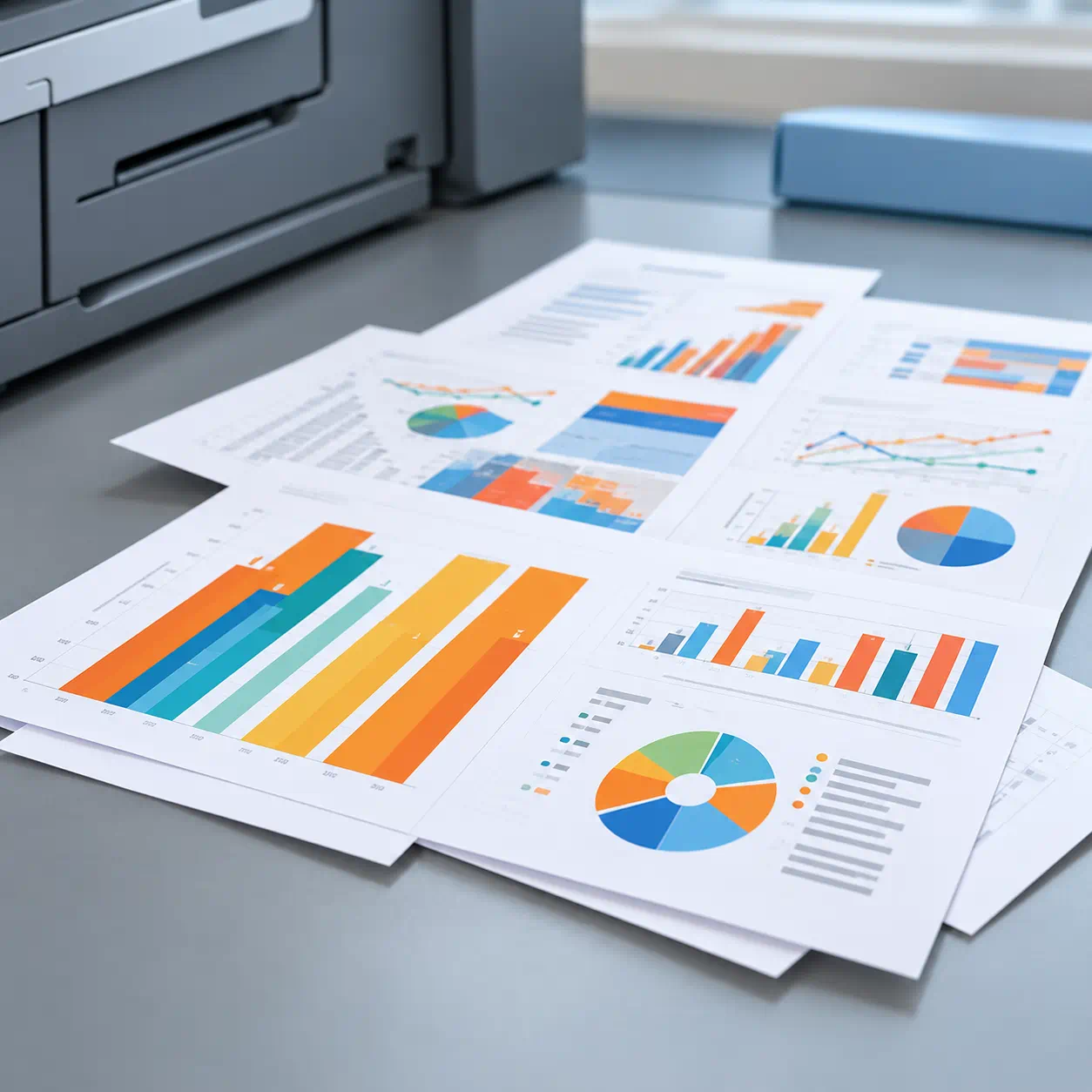
Consider colour laser printing when your team regularly produces business documents containing both text and colour graphics, such as presentations, proposals and internal reports.
The Brother MFC-L3760CDW Colour Laser Printer is one option listed in Thailand. It offers printing, scanning, copying and faxing, with automatic two-sided printing and wireless and wired network connectivity.
The Brother MFC-L3760CDW Colour Laser Printer is one option listed in Thailand. It offers printing, scanning, copying and faxing, with automatic two-sided printing and wireless and wired network connectivity.
Monochrome laser
Monochrome laser printers are suitable for text-focused workflows, particularly when most documents are printed in black and white.
They can be useful for Thailand businesses that regularly prepare invoices, quotations, delivery orders, letters and administrative forms.
For compact, print-only requirements, consider the Brother HL-L2460DW Mono Laser Printer, which includes automatic two-sided printing and wireless connectivity.
They can be useful for Thailand businesses that regularly prepare invoices, quotations, delivery orders, letters and administrative forms.
For compact, print-only requirements, consider the Brother HL-L2460DW Mono Laser Printer, which includes automatic two-sided printing and wireless connectivity.
2. Do You Need a Multifunction or Single-Function Printer?

Multifunction (All-in-One)
A multifunction printer combines printing, scanning and copying in one device. Selected models also include fax functionality.
Choose this option if your employees frequently need to digitise documents, duplicate forms or manage several document-related tasks using the same machine.
For example, Brother Thailand's MFC-T930DW Ink Tank Printer offers printing, scanning, copying and faxing. It also includes an automatic document feeder (ADF), automatic two-sided printing and network connectivity.
This type of printer may suit Thailand small offices that require several everyday document functions without having separate machines.
Choose this option if your employees frequently need to digitise documents, duplicate forms or manage several document-related tasks using the same machine.
For example, Brother Thailand's MFC-T930DW Ink Tank Printer offers printing, scanning, copying and faxing. It also includes an automatic document feeder (ADF), automatic two-sided printing and network connectivity.
This type of printer may suit Thailand small offices that require several everyday document functions without having separate machines.
Single-Function (Print Only)
A single-function printer focuses on printing.
Choose this option when your business primarily produces printed documents and does not require built-in scanning, copying or faxing.
For example, the Brother HL-L2460DW is a compact monochrome print-only model, while the HL-T4000DW supports colour printing up to A3.
Choose this option when your business primarily produces printed documents and does not require built-in scanning, copying or faxing.
For example, the Brother HL-L2460DW is a compact monochrome print-only model, while the HL-T4000DW supports colour printing up to A3.
3. What Connectivity Options Does Your Business Printer Need?
Connectivity determines how employees access and share a printer across the workplace.
Before choosing a printer, consider how many people will use it, whether they work from fixed computers or mobile devices, and whether a wired or wireless office network is available.

Direct connection for individual users.
USB allows a printer to connect directly to a computer. This can suit straightforward setups where one employee primarily uses the device.
It may be practical for an individual workstation, administrative desk or small business that does not require shared network printing.

Wired connection for shared office use.
Ethernet enables compatible printers to connect through a wired office network, allowing authorised employees to access the printer without relying on one computer as the connection point.
For Thailand businesses operating shared offices or departments with multiple users, a wired connection can provide a practical way to manage printer access.
The Brother DCP-T830DW and MFC-L3760CDW are examples of Thailand models offering Ethernet connectivity.

Wireless printing across your office.
Wireless connectivity allows compatible laptops, computers and mobile devices to access a printer without a direct cable connection.
This can be useful for flexible workplaces, home offices and SMEs where employees use different devices.
Brother Thailand offers wireless printer options across both its ink tank and laser printer ranges.

Mobile and cloud-based workflows on supported models.
Some printers support mobile printing and cloud-related workflows, providing additional flexibility for employees who work across different devices or locations.
The available features depend on the printer model, supported application, network configuration and service.
Check the specifications of your selected Brother Thailand printer to ensure it supports the workflows your business requires.

Convenient tap-based connectivity on compatible devices.
Selected Brother printers offer Near Field Communication (NFC) functionality, enabling supported interactions with compatible mobile devices or NFC-enabled accessories.
The Brother MFC-L8900CDW Colour Laser Printer is one Thailand model with NFC support.
Check the specific NFC capabilities, device compatibility and operating-system requirements before making your purchase.
4. What Printer Size is Right for Your Office?
Printer size should reflect the available workspace and how employees will access the device.
Large floor-standing copiers have traditionally been used in office environments. However, compact desktop printers and multifunction devices can also provide business printing, scanning and copying capabilities.
For Thailand businesses operating from smaller offices, shoplot workspaces or home offices, a compact desktop printer may be a practical option.
For example, the Brother HL-L2460DW offers print-only functionality in a compact design, while the DCP-T830DW combines several document functions in a desktop ink tank printer.
For offices handling larger document batches, the Brother MFC-L5915DW Mono Laser Printer offers a print speed of up to 50 pages per minute for A4 documents, together with multifunction capabilities and a 70-sheet automatic document feeder.
Consider the following before selecting a printer:
- Choose a compact desktop model if office space is limited.
- Allow sufficient space for paper trays, printed output and ventilation.
- Consider paper handling capacity and printer accessibility for shared offices.
- Select a model that suits your current workspace and anticipated business requirements.
A larger printer is not automatically the better choice. Assess its physical size together with the functions and printing capacity your office needs.
05 PLANNING COSTS
How to compare the total cost of ownership
Look beyond the purchase price by considering the full cost of using the printer over its useful life.
1
Estimate Your Usage
Start by estimating how many pages your business prints each month.
Consider whether most pages are black and white or colour, the types of documents being printed, and how long you expect to use the printer.
2
Factor in Ongoing Costs
Include the cost of ink or toner, relevant replacement consumables and other operating expenses.
Compare the approximate page yields of the consumables associated with each printer.
For instance, businesses considering Brother ink tank and laser models should evaluate the respective replacement ink or toner costs against their expected printing volume.
3
Compare Over Time
Assess the total cost over the same ownership period for each printer.
Do not compare purchase prices alone. A printer with a lower upfront price may not necessarily offer the lowest long-term operating cost for your business.
Total Cost of Ownership

Purchase price (RM)
+

Ink, toner and other consumables (RM)
+

Maintenance and other operating costs (RM)
=

Estimated total cost over time (RM)
For a more detailed estimate, calculate the approximate cost per page by dividing the consumable price in RM by its stated page yield. Actual yields and costs will depend on usage and printing conditions.
Frequently Asked Questions
-
What is the most important factor when choosing a business printer?The most important factor is how your business actually uses the printer. List the documents you produce, the staff who need access, whether colour is essential, and whether you scan or copy regularly. Then compare models against your available space and estimated monthly printing costs in RM. This prevents choosing a printer for features your team may never use.
-
Is inkjet or laser better for office use?Neither technology is automatically better for every Thailand office. An ink tank printer can suit colour reports and image-rich materials, while a colour laser printer can support everyday mixed documents. If most jobs are invoices, forms or black-and-white reports, a mono laser printer may be suitable. Assess document type, expected volume, printing speed and long-term consumable costs before deciding.
-
When should a business choose a monochrome printer?Choose a monochrome printer when staff mainly print text documents such as invoices, delivery orders, letters and forms, and rarely need colour. Brother Thailand lists the HL-L2460DW for print-only use and the MFC-L5915DW for teams that also need scanning and copying. Check monthly output, connectivity and running costs before selecting a model.
-
Is a multifunction printer necessary for an office?A multifunction printer is useful when printing, scanning and copying are part of the same workflow, with fax on selected models. For example, Brother Thailand's MFC-T930DW supports all four functions, while the DCP-T830DW covers printing, scanning and copying. If your office only needs hard copies, a print-only device may be simpler and sufficient.
-
What printer connectivity should my office look for?Check whether the printer will serve one computer or a shared team. USB is suited to direct connections, Ethernet can support a wired office network, and Wi-Fi enables compatible devices to print without a cable. If your team relies on mobile, cloud or NFC workflows, confirm support on the precise Brother Thailand model and your devices before purchasing.
-
Why is printer cost per page important?Cost per page estimates how much ink or toner is used for each printed page. Work it out in RM using the consumable price divided by its stated approximate page yield. Multiply that estimate by your anticipated print volume, and compare it alongside the purchase price. The calculation helps show why the lowest-priced printer is not always the lowest-cost option.
-
How can a business compare the total cost of two printers?Use the same ownership period and expected page count for both models. For each, add the purchase price in RM, estimated ink or toner expenditure, applicable replacement consumables and likely servicing or repair costs. Also compare whether each device meets your speed, paper handling and scanning requirements. A like-for-like estimate is more meaningful than comparing the ticket prices alone.
-
How do you make the final printer decision?Start with your actual office requirements, then shortlist only the models that meet them. Compare inkjet, colour laser and monochrome options; decide whether multifunction capabilities are essential; check connectivity and physical footprint; and estimate total running costs in RM. Review the current Brother Thailand specifications and purchasing channels before you make your final choice.

Related Resources
- เครื่องพิมพ์ Brother ประเทศไทย – เลือกดูเครื่องพิมพ์ทุกประเภท
- Brother DCP-T830DW – เครื่องพิมพ์อิงค์แท็งก์มัลติฟังก์ชัน
- Brother MFC-T4500DW – เครื่องพิมพ์อิงค์แท็งก์ A3
- Brother HL-L3240CDW – เครื่องพิมพ์สี LED
- Brother HL-L2460DW – เครื่องพิมพ์เลเซอร์ขาวดำ
- Brother DCP-L2640DW – เครื่องพิมพ์เลเซอร์ขาวดำมัลติฟังก์ชัน
- Brother MFC-L8690CDW – เครื่องพิมพ์เลเซอร์สีมัลติฟังก์ชัน
- โซลูชันธุรกิจ Brother ประเทศไทย
- ศูนย์ช่วยเหลือและดาวน์โหลด Brother ประเทศไทย

Printing Cost Per Page: Measure True Printing Value
Discover how to measure your real printing efficiency using Cost Per Page (CPP) — the true indicator of printer value. Learn how Brother’s modular toner and drum design helps you print more for less, with lower waste and long-term savings.
How To Use an NFC-Enabled Printer on a Mobile Device
Your Handy Guide to Using an NFC-Enabled Printer on a Mobile Device Keen to print directly from your mobile device to an NFC-enabled printer? We know how attractive that idea can be! Especially when you dread the following printing scenarios: Needing to log on to your laptop just to print a few documents Being confused …
Continue reading “How To Use an NFC-Enabled Printer on a Mobile Device”

How to Choose the Best Black and White Printer for Home Use
Looking for the Best Black and White Printer for Your Home? Look no further! Having trouble deciding on the best black and white printer for your home? Wondering if you’ll save more money replacing your old colour printer with a black and white printer? Let us help you to resolve your dilemma! Needing to log …
Continue reading “How to Choose the Best Black and White Printer for Home Use”